Context Engineering
Made Practical
The context engineering tool for small teams. Connect your docs, email, and sites once, then ask source-backed questions from inside the AI you already use. Lenses turn raw retrieval into a virtual version of the business.
*Start for free

Skip the DIY
RAG stack
No embeddings pipelines, no vector DB to maintain. Connect your sources and Context Link handles chunking, retrieval, and formatting.

Search every source,
not one at a time
Ask once, pull from Notion, Google Docs, email, Basecamp, Monday.com, and your site. No guessing which tool holds the answer.

From retrieval
to virtual business
Lenses sit on top of raw retrieval. Each one combines your connected sources with recurring AI deep research to surface what's true right now, what changed, and what needs attention.
works with:







 Basecamp






1. Connect
Plug in the places your business already exists.
Notion, Google Docs, websites, inboxes, files, project tools. Context Link keeps them all in sync as one connected knowledge base. Stop copy-pasting context into every AI prompt. Your business is already written down. It just needs to live somewhere AI can read.
2. Ask
Ask your business anything.
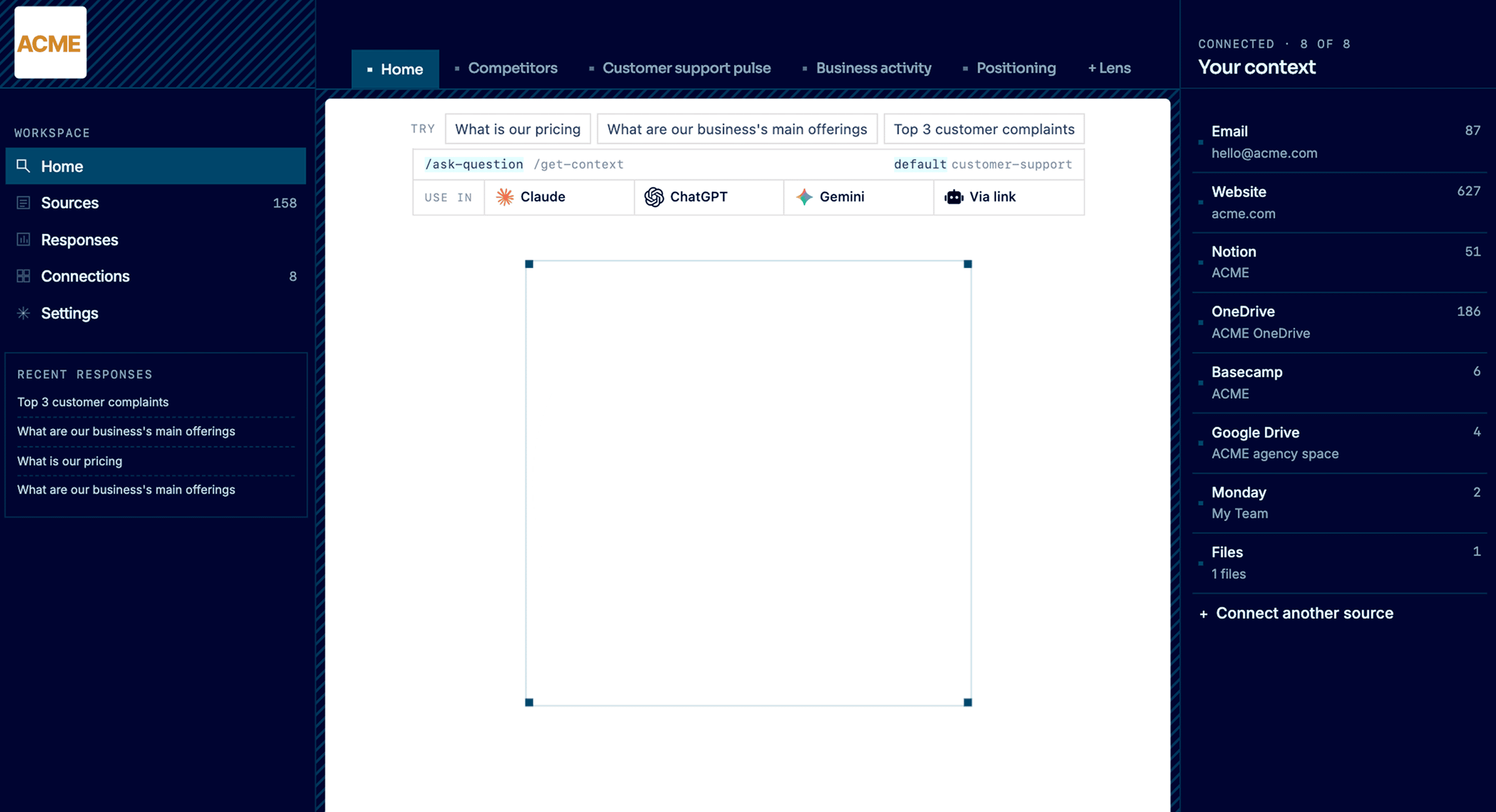
Get source-backed answers across everything you've connected: pricing, positioning, support patterns, customer signal, competitor moves. A vector database under the hood means AI searches by meaning, not just keywords. Your team asks from the dashboard. Claude, ChatGPT, and any MCP-aware agent ask through the integrations. Every answer cites where it came from.
3. Observe
See your business like never before.
Lenses are live, source-backed views: competitors, customer support pulse, positioning, business activity. Each one combines your connected sources with recurring AI deep research to answer: what's true right now, what changed, and what needs attention. Every result is backed by evidence in the right-hand column, so you can see why things are the way they are.
4. Evolve
Move the business where you want it to go.
Pick a goal for a Lens: go upmarket, tighten your ICP, refresh positioning. Context Link briefs an AI on everything that matters: your sources, your Lens, your history. The goal becomes concrete next actions you can copy, open in any AI tool, or run yourself.
features
Context engineering without the stack
Most context engineering tools ask you to build your own pipeline. Context Link is a managed service: connect Notion, Google Docs, OneDrive, Basecamp, Monday.com, email, websites, or uploaded files, and the retrieval layer is ready in minutes.

features
Semantic retrieval, not keyword match
Ask for context on a topic and Context Link returns the most relevant snippets by meaning. Get context on 'refund process' and it finds the paragraphs even if your docs say 'returns policy'.
features
Model-agnostic, runs inside your AI
Context Link works inside Claude, ChatGPT, Copilot, and Gemini via skill, connector, or direct link. One setup, every model. No lock-in to a single provider's plugin system.
features
Lenses are the layer above raw retrieval
Most context engineering tools stop at semantic search. Context Link adds analytical Lenses on positioning, competitors, customer support pulse, and business activity. Each one combines your sources with recurring AI deep research, then answers what's true right now, what changed, and what needs attention.
Integrates with the AI you already use
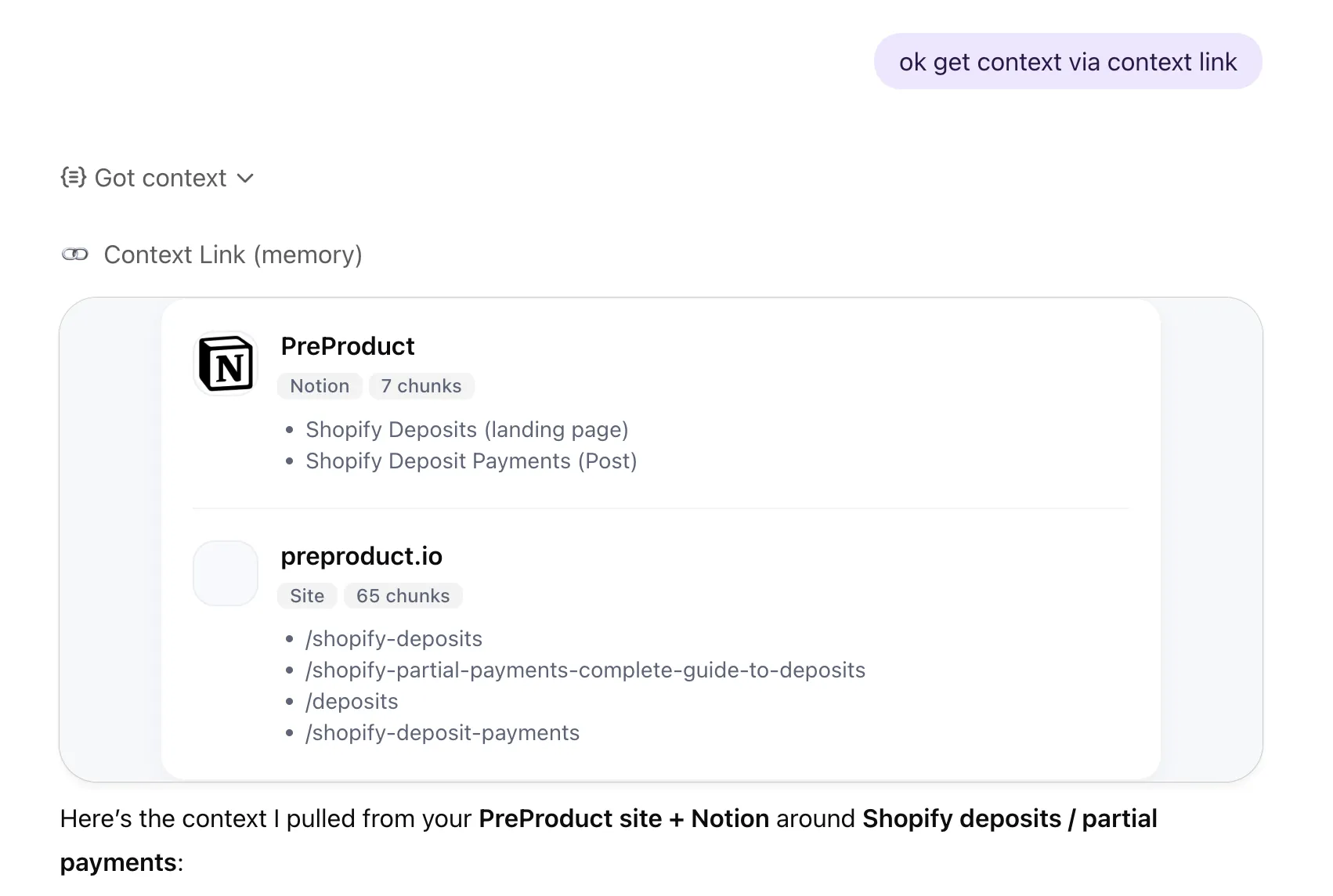
 Get Context
· ChatGPT
Get Context
· ChatGPT
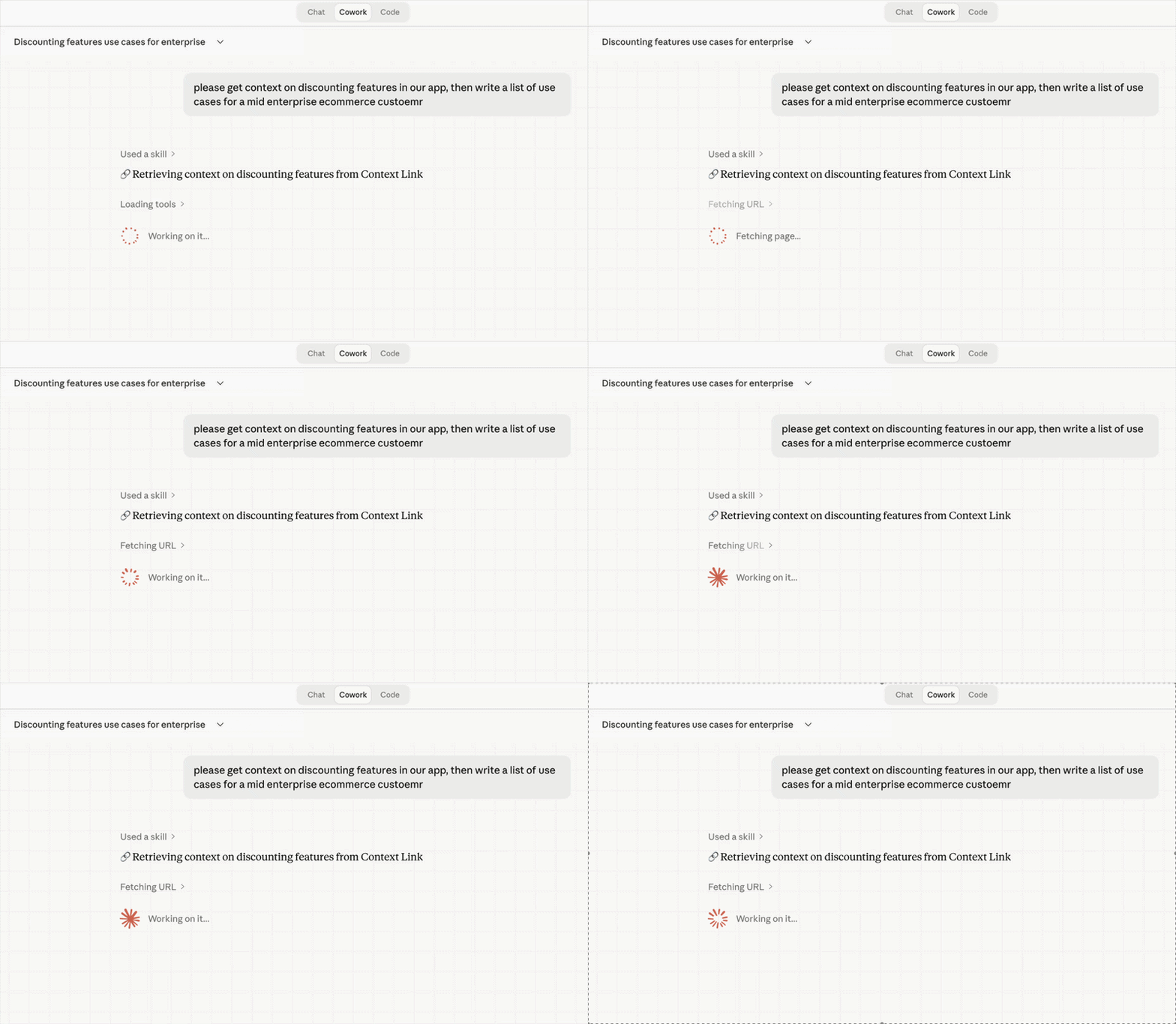
 Get Context
· Claude
Get Context
· Claude
Industries
Context Link works with your kind of business.
Add Context Link to your computer or phone so business context is never more than a click away.

See your e-commerce business as a set of live views: who you're really competing with, what customers keep contacting support about, how your brand is actually landing. Each one is source-backed and updates as the business moves, not a quarterly guess. It runs on what you already have: connect the support inbox, brand book, catalogue and help centre, and the picture stays current on its own.

See your software business from every angle: your positioning, your competitive set, the marketing channels actually working. Live, source-backed views that tell you what's true now and what changed, so you know before the next launch, not after. It builds from the docs you already keep, like specs, changelogs, interviews and support threads, read where they live so the view never goes stale.
See the studio the way the outside world does: a live read on how your positioning actually comes across, not how you hope it does. Source-backed, and grounded in your own back-catalogue of briefs, case studies, brand books and project archives, so strategy stops half-remembering and starts citing, and every pitch stands on the studio's real history.

See your business from every angle: positioning, competitors, customer support and more, as live, source-backed views that tell you what's true right now, what changed, and what needs attention. They build from the places the business already lives, like docs, sites, inboxes and files, so the view stays current without anyone maintaining it. Your business stops being something you re-explain, and becomes something you can watch and talk to.
Workflows
See exactly what AI used and improve over time
Every response is logged: which sources were pulled, what was returned, and when. Review quality, spot gaps in your content, and re-sync when something's outdated.
Workflows
You control what AI knows — nothing more, nothing less
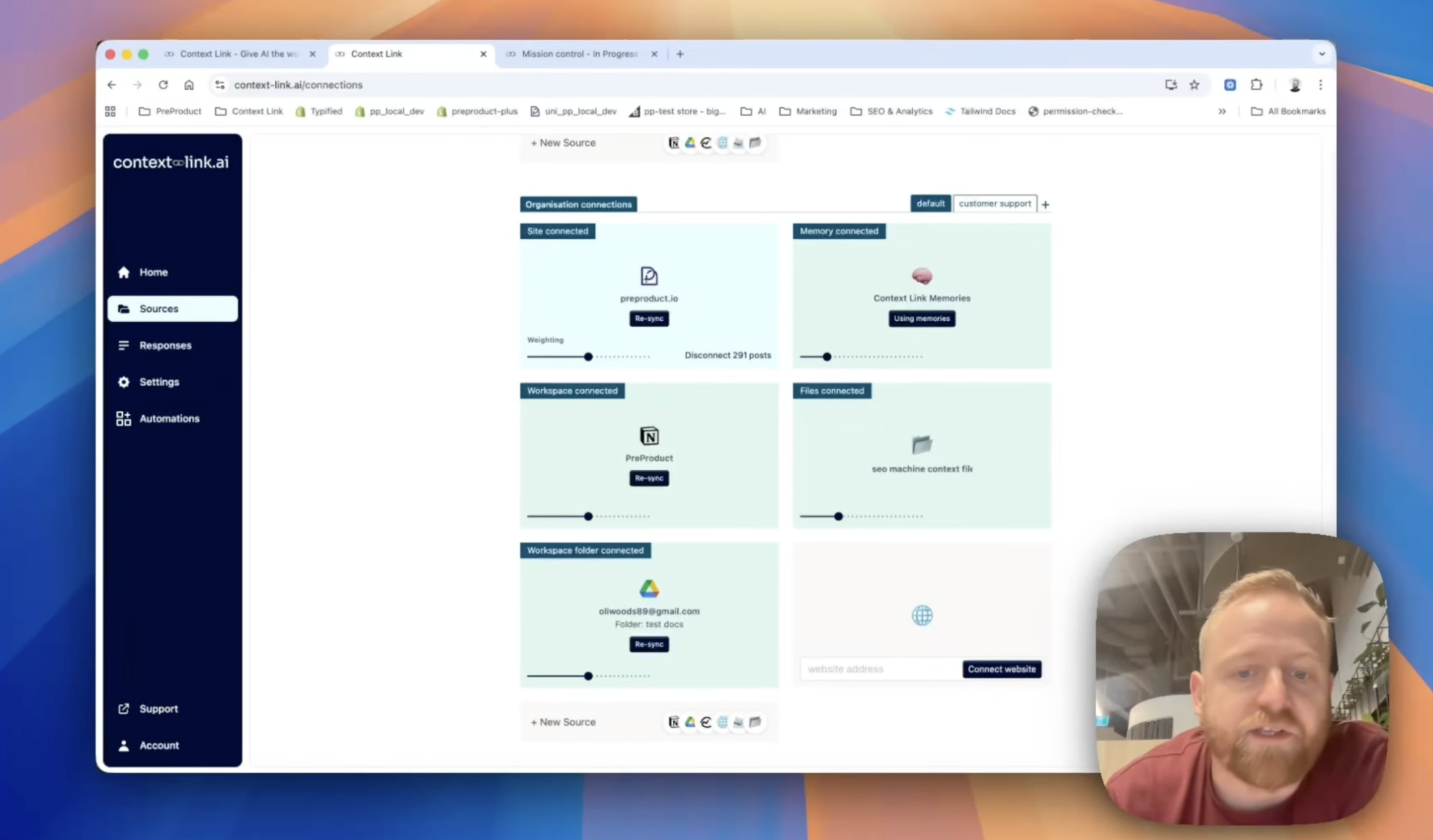
Choose exactly which Notion pages, Google Docs, folders, and site sections to include. Add, remove, or re-sync sources anytime. Your AI only sees what you've approved.
Tune context per use case
Modes re-weight your sources for each team and task
Create named profiles like 'support' or 'sales' that tune which sources Context Link leans on. A support Mode upweights your help centre and FAQs; a sales Mode upweights case studies and product specs. Same knowledge base, different lens.
Share context across your team
Stop pasting the same docs into every chat. Share one link, and your team's AIs can pull the latest context from your connected sources—consistently, every time.
(ChatGPT)
(Claude)

agent 004
session




 +
+
+
+
+
+
Frequently Asked Questions
What are context engineering tools?
Context engineering tools help you give AI the right information at the right time. Rather than pasting docs into prompts or hoping a model remembers your business, you connect your knowledge sources once and the tool retrieves relevant snippets on demand. Context Link is one such tool, built for small teams that want the benefits of a RAG pipeline without building one. Lenses sit on top, turning that retrieval into a virtual version of the business with recurring AI deep research.
How is this different from building my own RAG stack with Pinecone or Weaviate?
Rolling your own stack means chunking content, running embeddings, hosting a vector DB, and maintaining all of it. Context Link handles chunking, retrieval, formatting, and sync out of the box, behind a simple URL and set of skills. You trade some flexibility for something a marketing or support team can set up in minutes.
What sources can I connect?
Google Docs and Drive, OneDrive, Notion, Basecamp, Monday.com, email inboxes and folders (Gmail, Outlook, Zoho, Fastmail, custom IMAP), any website via sitemap or URL list, and uploaded file stacks (PDFs, Word docs, Markdown). Memories are supported too, AI-saved namespaced notes for outputs you want to fetch back later.
Does it work with Claude, ChatGPT, and other AI tools?
Yes. Context Link runs inside Claude (via skills), ChatGPT (via the app connector), Copilot, and Gemini (via direct link). One setup works across every model you use, so you're not locked into a single provider's plugin system.
How do teams share context without overlap?
Org accounts let admins connect company sources once, then every teammate accesses the same pool via their own account. Each person can also add personal connections that only they can see. Modes let you re-weight the same sources per use case, support prioritises help docs, sales prioritises case studies, without duplicating content.
Can I get a direct answer instead of raw snippets?
Yes. Alongside "get context on [topic]," you can invoke the Ask Question skill: /ask-question [question] or natural language like "ask Context Link what our refund policy is." Same retrieval under the hood, but a small fast LLM composes one grounded paragraph with numbered citations back to your sources. Available on Pro.