A workspace built for your AI agents
Works with Claude, ChatGPT, Copilot, and Gemini agents
Give your AI agents shared knowledge and persistent memory. Connect your sources once, then let agents read, save, and update context across every run.
*Start for free

Persistent memory
across agent runs
Agents forget at the end of every session. Memories let AI save outputs under any /slash route, then retrieve them on the next run.

One knowledge base
every agent shares
Connect your sources once. Every agent (research, support, sales) pulls from the same approved set via semantic search.

Read and write,
without DIY RAG
Skip the embedding pipeline and vector DB. Agents get retrieval and a writable workspace through a simple URL or skill.
works with:







 Basecamp






features
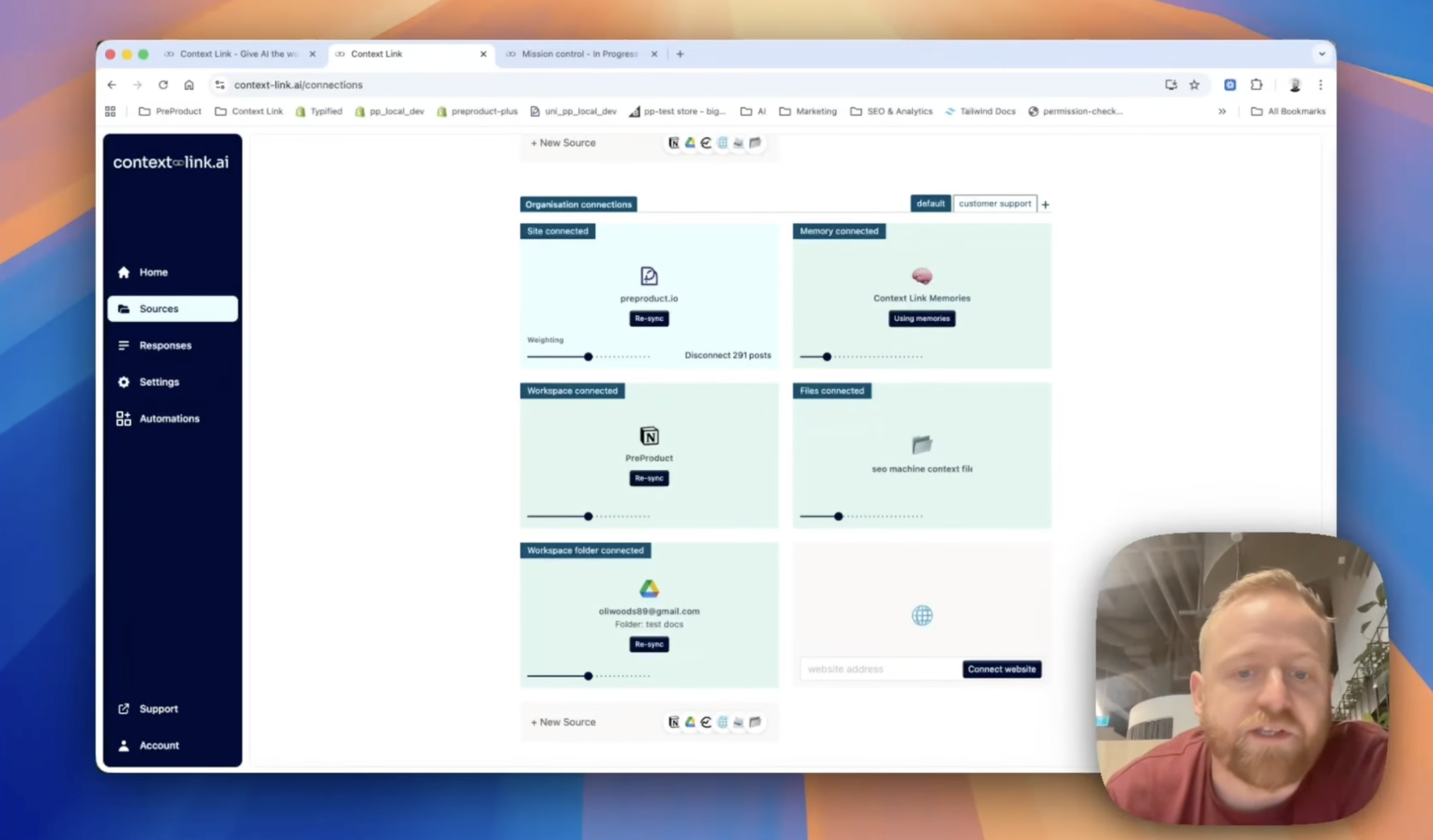
Connect your agent's sources
Link Notion, Google Docs, Google Drive, OneDrive, Basecamp, Monday.com, email inboxes, websites, and uploaded file stacks. Your agents pull from the same approved set you already use. No migration, no parallel knowledge base.
features
Semantic retrieval for every tool call
Agents call 'get context on [topic]' and Context Link returns the most relevant snippets by meaning. Clean markdown that fits inside the context window, not bulk-loaded chunks that crowd out the actual work.
features
Memories that compound across runs
Ask the agent to save this to /research-notes or update /customer-profile with these findings. Future runs fetch and refine those files, so each pass builds on the last instead of starting from scratch.
features
Model-agnostic, across every agent
One setup works with Claude agents, ChatGPT agents, Copilot, Gemini, and custom workflows via API. Switch models or run multiple agents in parallel without rebuilding your context layer.
Integrates with the AI you already use
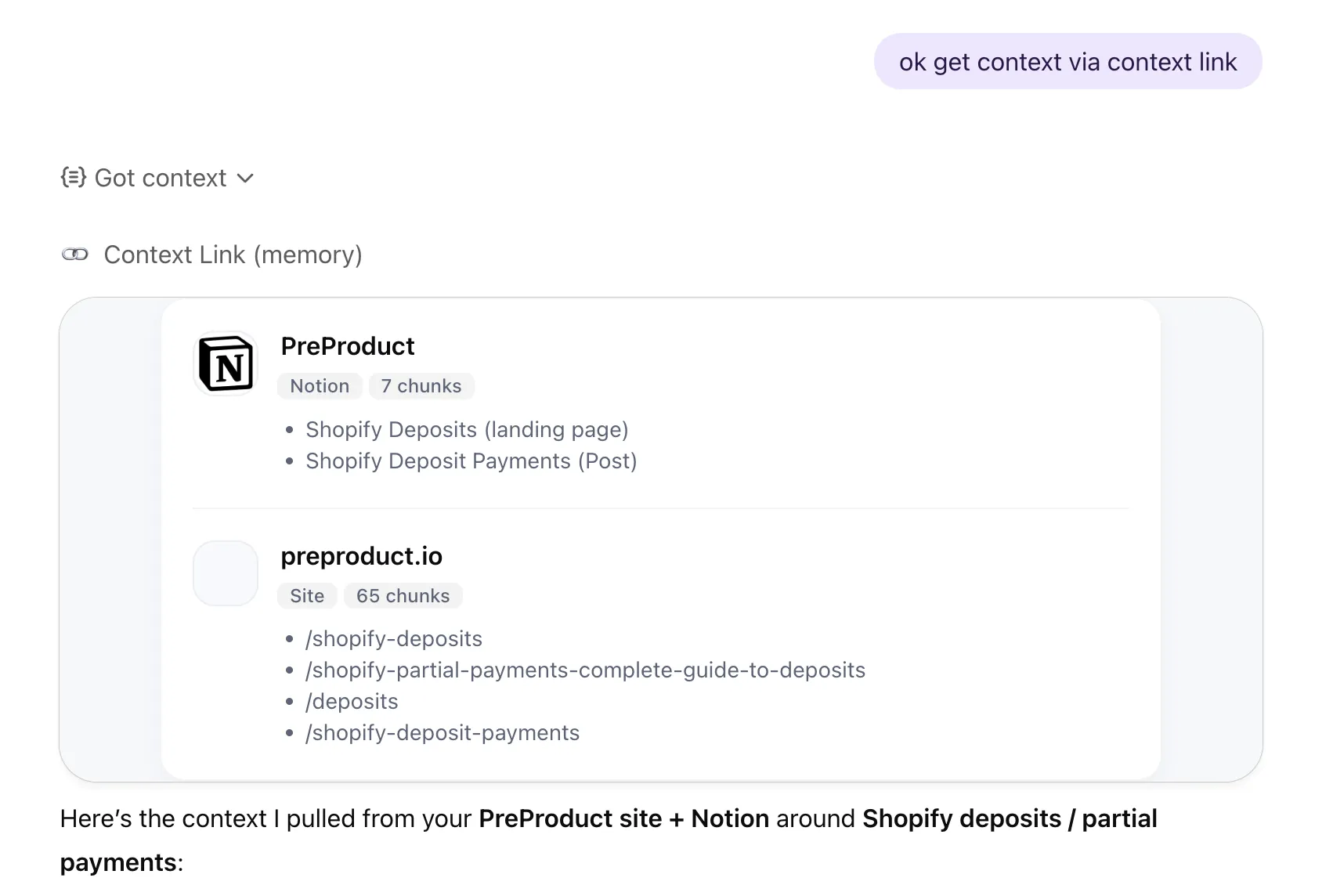
 Get Context
· ChatGPT
Get Context
· ChatGPT
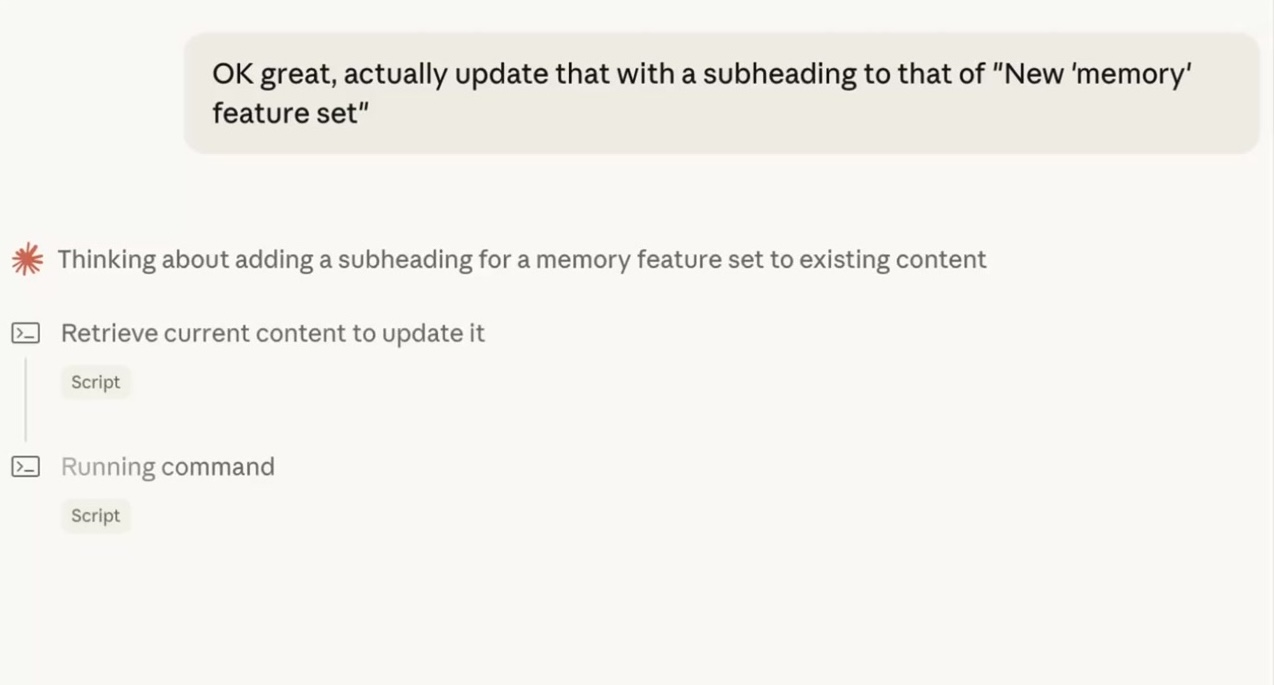
 Update Memory
· Claude
Update Memory
· Claude
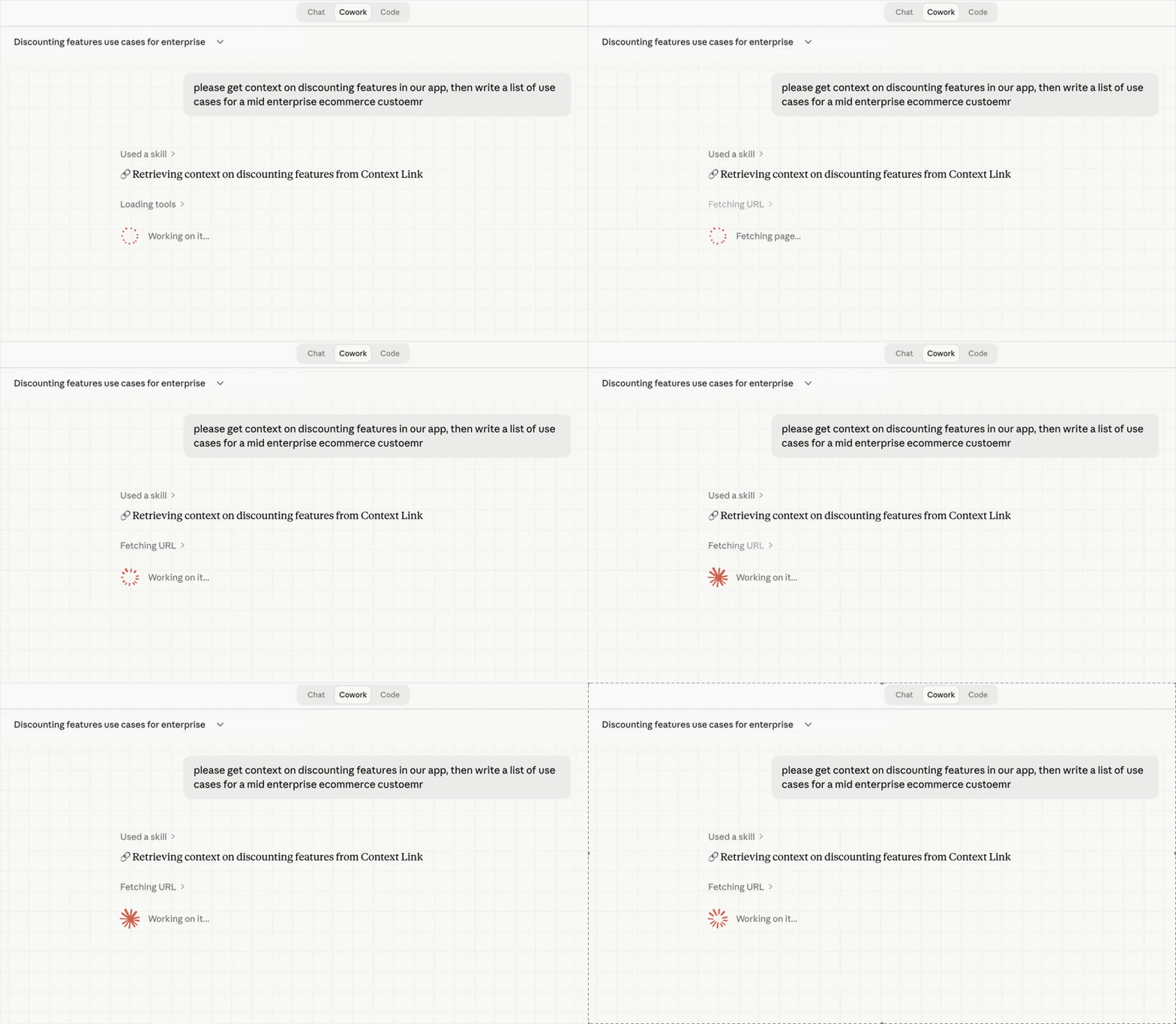 Get Context
· Claude
Get Context
· Claude
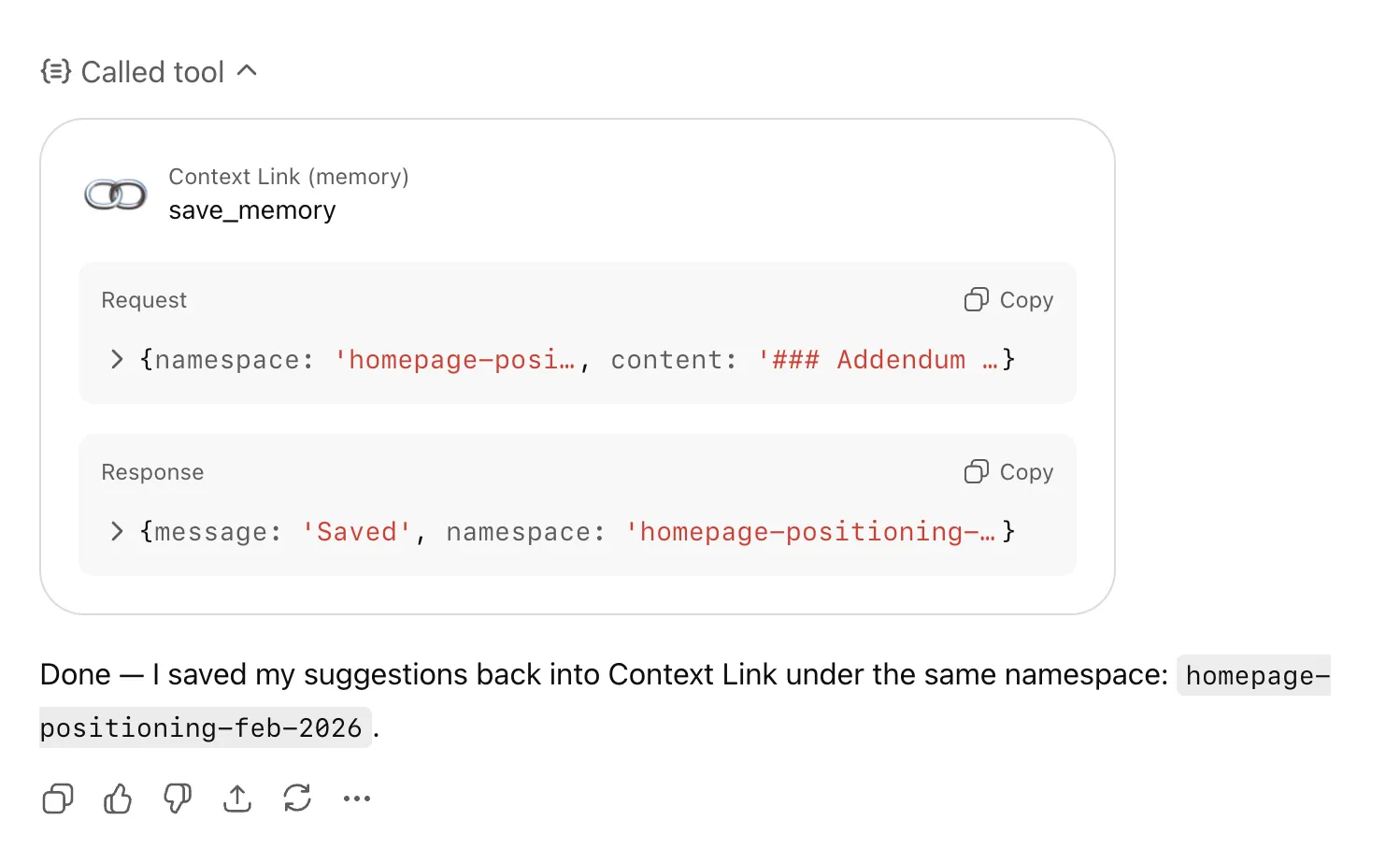 Save Memory
· ChatGPT
Save Memory
· ChatGPT
Workflows
See exactly what each agent used and improve over time
Every retrieval and save is logged: which sources were pulled, what was returned, and when. Review agent quality, spot content gaps, and re-sync when something's drifted.
Workflows
Control what agents can see down to the page
Choose exactly which Notion pages, Google Docs, folders, and site sections are indexed. Admins manage org-level sources for the whole agent fleet; individuals add personal connections that stay private.
Tune retrieval per agent
Modes for each agent's job
Create named profiles like 'research-agent' or 'support-agent' that re-weight which sources matter most. The same knowledge base serves a research agent and a support agent differently. Switch via a `?mode=X` parameter on any query.
Share context across your team
Stop pasting the same docs into every chat. Share one link, and your team's AIs can pull the latest context from your connected sources—consistently, every time.
(ChatGPT)
(Claude)

agent 004
session



 +
+
+
+
+
+
Frequently Asked Questions
What is an AI agent workspace?
An AI agent workspace is a shared layer where AI agents read context from your connected knowledge sources and write outputs they can retrieve later. Instead of every agent run starting from zero, agents pull from a single approved set of sources (Notion, Google Docs, email, websites, and more) and save reusable Memories under /slash routes. The result: agents that build on prior work instead of repeating it.
How does this give AI agents persistent memory?
Memories are AI-owned living documents saved under any /slash route, for example, /research-notes, /customer-profile, or /roadmap. An agent can save its output at the end of a run by asking to "save this to /route-name", then a future run can fetch and update that file. Memories live alongside your synced sources but stay separate, so agents can iterate on their own files without touching your originals.
Can multiple agents share the same workspace?
Yes. Org accounts let admins connect company sources once, then every agent (and every teammate) queries the same pool via API, ChatGPT connector, or Claude skill. Memories are visible across sessions and agents, so a research agent can save findings that a writing agent picks up later. Modes let you re-weight the same sources per agent role without duplicating content.
Which agent frameworks does Context Link work with?
Context Link is model-agnostic. It runs inside Claude (via skills), ChatGPT (via the app connector), Copilot, and Gemini, and exposes a REST API for custom agent frameworks. Anything that can make an HTTPS call can fetch context or save Memories, including Zapier, Make, cron jobs, and your own agent stack.
How is this different from native ChatGPT or Claude memory?
Native memories load a small set of preference snippets into the context window at the start of every session, whether relevant or not. Context Link retrieves selectively: ask about pricing and you get 3 chunks from your pricing doc and 2 from a Notion page, not your whole memory dump. Agents can also save unlimited Memories under any /slash route and retrieve only the right one for the task at hand. The context window stays focused, and the workspace scales to thousands of files.
Can agents get a direct answer instead of raw snippets?
Yes. Alongside "get context on [topic]," agents can invoke the Ask Question skill: /ask-question [question] or natural language like "ask Context Link what our refund policy is." Same retrieval under the hood, but a small fast LLM composes one grounded paragraph with numbered citations back to your sources. Available on Pro and ideal when an agent needs a direct answer rather than source material to reason over.