
What Is an AI Memory Layer? Guide for Teams (+ Claude Memory Explained)

Context Link
Shared memory workspace across all AI tools. Connect sources once, access everywhere, no code required.

Claude Memory
Native memory built into Claude Pro/Max. Great for solo users who exclusively use Claude.

ChatGPT Memory
Built-in custom instructions and automatic memories. Personal preferences only, not shareable.

Mem0 / DIY RAG
Build custom memory infrastructure for AI agents and enterprise deployments. Requires engineering resources.
You run the same prompt in Claude or ChatGPT every week, pasting the same context and getting frustrated that the AI doesn't "remember" what you taught it last Tuesday. So you paste it again. And again next week.
If that's your workflow, you're not alone. Most AI users re-explain the same docs, brand guidelines, and product specs repeatedly because AI tools start fresh with every session. This is one reason context engineering is replacing prompt engineering as the standard approach for production AI. There's no persistent memory—just conversation history that disappears when you close the chat.
This guide explains what AI memory layers are, how they work, and which approach fits your workflow. We'll cover Claude's built-in memory, ChatGPT's approach, and team-friendly alternatives that let AI actually remember across sessions. By the end, you'll know exactly which solution solves your problem—from individual users to entire teams.
What Is an AI Memory Layer?

Photo by Markus Winkler on Unsplash
An AI memory layer is infrastructure that enables AI agents to retain and recall information across time, rather than starting fresh with each session. Instead of forgetting everything when a conversation ends, a memory layer preserves knowledge that the AI can retrieve and build on in future conversations.
Think of it like a notebook. Without memory, the AI is a student who memorizes everything during one class—impressive, but useless for the next class. With memory, the student writes things down and reviews them before each new class. The AI gets smarter, more personalized, and more useful over time.
Short-Term Memory vs. Long-Term Memory
AI memory works on two levels:
Short-term memory is your active conversation context. This is what fits in the AI's "brain" right now—the documents you've uploaded, the code it's reviewing, the customer story you're discussing. When the conversation ends, so does the short-term memory.
Long-term memory is what gets saved. It persists across conversations. It's the pattern the AI learned last week, the customer preference you taught it, the brand voice guideline you want it to reference forever. Long-term memory is what makes AI actually useful over time.
Most native AI features (Claude's memory, ChatGPT's memory) give you short-term context. External memory layers give you the long-term persistence that teams actually need.
How Claude's Memory Works
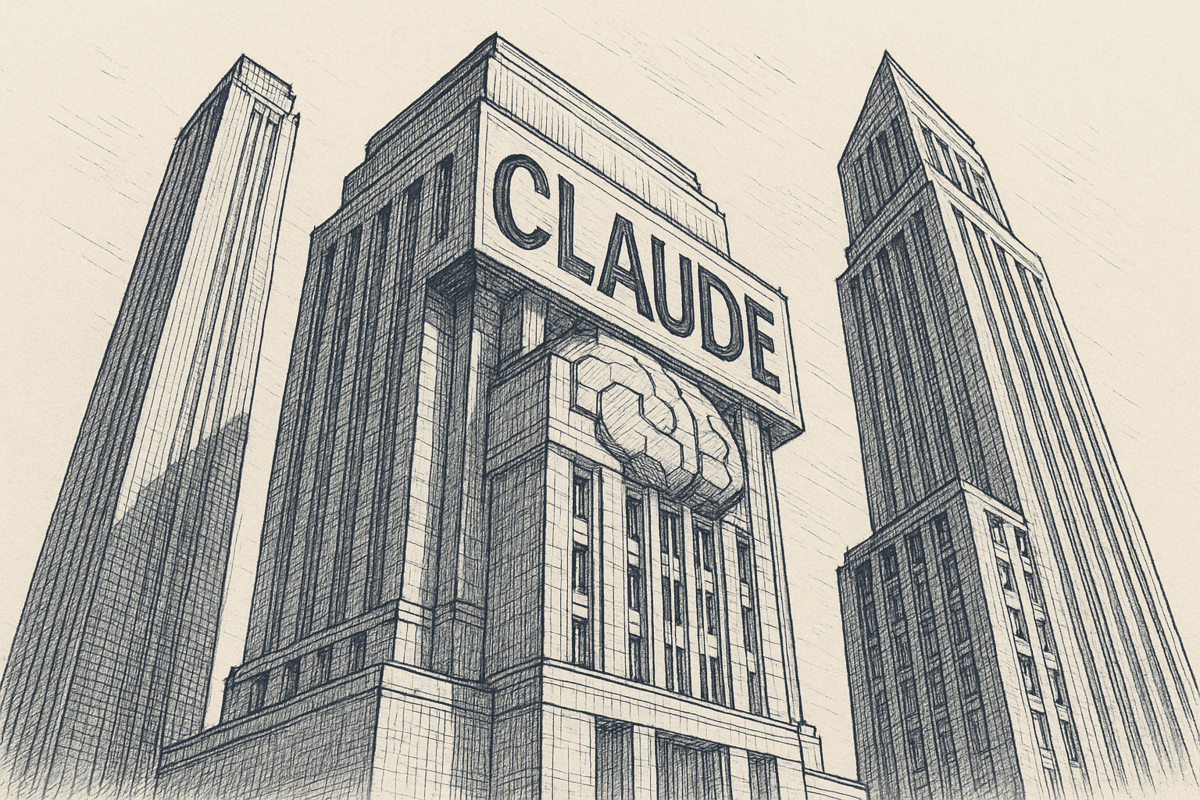
Claude offers native memory features on Pro and Max plans. Here's what you get:
Claude's Chat Memory: When you enable it, Claude synthesizes your conversation history into a memory file. Between conversations, Claude reads that memory and uses it as context. The AI literally says "I remember that you..." before continuing your work.
This is seamless. No setup, no extra tools. You just turn it on and it works.
Claude Projects: Each project gets its own memory space. This is great if you're running a focused workflow (e.g., "write my blog" vs. "plan my product roadmap"). Memories stay scoped to the project.
Claude's API Memory Tool: For developers, Claude offers an API-level memory tool that gives you full control—save what you want, retrieve it explicitly, manage it completely. But it requires coding.
Why Claude's Native Memory Falls Short for Teams
Claude's memory works beautifully for individual users. You enable it, Claude remembers things, life is good.
But for teams—and even for power users—it has real limitations:
Personal memory is tiny and loaded all at once: This is the biggest one. Claude the model is incredibly capable—it's trained on a huge amount of knowledge. But the personal memory it keeps about you, your business, your preferences, your docs? That's very limited. Everything Claude "remembers" about you gets loaded directly into the context window at the start of every conversation. That context window is shared with your actual conversation, uploaded files, and everything else. The more personal memory you load, the less room the AI has to work on your actual question. There's no search, no selective retrieval—all your memories go in, every time, whether they're relevant to this conversation or not.
Compare that with a dedicated memory layer like Context Link or a RAG system. These retrieve only the exact right pieces of context on demand. Ask about brand voice? You get 3 chunks from your brand guidelines page and 2 chunks from a relevant Notion doc—not your entire memory dumped into the window. The rest stays out of the way. And with AI-saved memories (like Context Link's Memories), ChatGPT or Claude can save entire chats or key outputs to a /slash route, then retrieve just the right memory in a future session. The AI's context window stays focused on what matters right now.
User-scoped: Claude doesn't share memory across users. If you remember your brand voice, your teammate doesn't. Everyone rebuilds the same context. You're saving time for one person, not for the team.
Claude-only: It doesn't work with ChatGPT, Copilot, Gemini, or Grok. If your team uses multiple AI tools (and most do), you need a separate memory solution for each one.
Manual invocation: You have to ask Claude to remember things. There's no way to automatically keep memory fresh or pull from your actual documents. You're still copy-pasting context, just less often.
Not accessible outside Claude: There's no way for other tools, workflows, or team members to access what Claude is remembering. It's locked inside the conversation.
For solo users who exclusively use Claude, native memory is a useful starting point. For anyone who needs more than a handful of preferences remembered, it hits a wall fast.
How ChatGPT's Memory Works
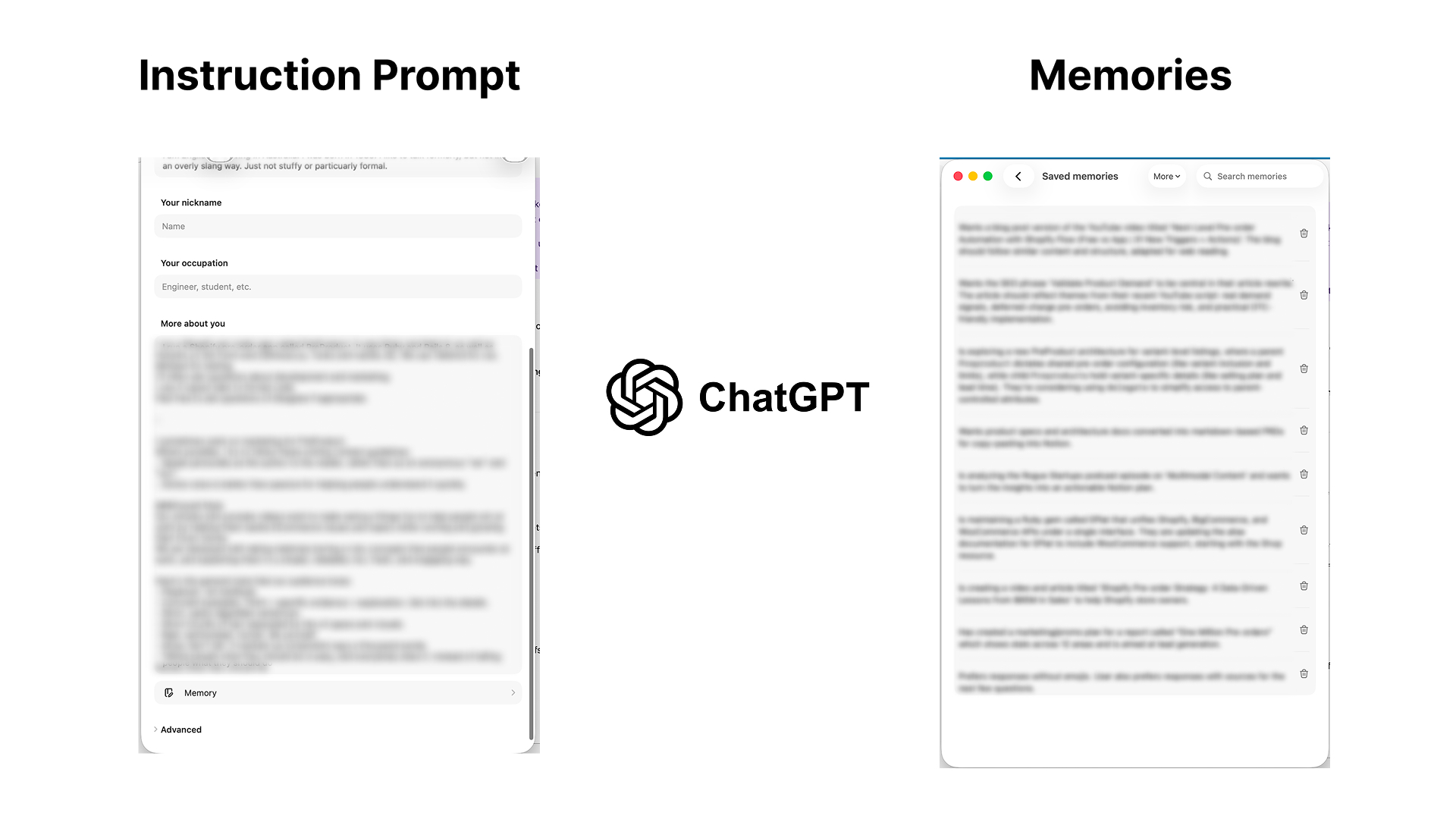
ChatGPT also offers a small built-in memory, and it works in two parts:
Custom Instructions: A static text block where you tell ChatGPT who you are, what you do, and how you'd like it to respond. This gets injected into every conversation automatically. It's useful—but it's a single, manually maintained prompt. You write it once, forget to update it, and it drifts from reality over time.
Automatic Memories: ChatGPT also saves things it learns about you during conversations. It notices patterns ("this user prefers bullet points" or "this user works at a SaaS company") and stores them as short memory entries. You can review and delete these in settings.
Why ChatGPT's Memory Is Limited
The model itself is incredibly smart—ChatGPT is trained on an enormous amount of data. But the personal memory it keeps about you? That's the part that's limited. The same fundamental problem as Claude's: both tools give you a small personal memory slot that lives inside the AI's context window.
Your personal memory competes for context space: Your custom instructions, your saved memories about you, your uploaded files, and your actual conversation all share the same context window. The more personal memory you load, the less room the AI has to think about your actual question. There's a hard ceiling on how much the AI can "remember" about you and your business at once.
It's a handful of personal notes, not a knowledge base: ChatGPT's memories about you are short snippets—a few sentences each. You can't store your entire help center, product docs, brand guidelines, and past work in there. It's designed for personal preferences ("this user likes bullet points"), not the deep business knowledge that makes AI outputs actually useful. Without proper grounding, AI will hallucinate about your company.
No search, no retrieval: All your personal memories are loaded every time, whether they're relevant or not. There's no way to say "only pull the memories about brand voice for this conversation." Everything goes in, every time.
Personal only: Like Claude, ChatGPT's memory doesn't share across team members. Your colleague starts from scratch.
The Difference with a Dedicated Memory Layer
This is where the contrast matters. A dedicated AI memory layer like Context Link doesn't work the same way as native ChatGPT or Claude memories. Instead of cramming everything into the AI's context window and hoping it fits:
- Thousands of files, retrieved on demand: Context Link can store and search across thousands of documents—your entire website, Notion workspace, Google Drive. But it only returns the specific snippets relevant to what you're asking about right now. The rest stays out of the context window entirely.
- Semantic search, not bulk loading: When you ask about "brand voice," Context Link retrieves your brand voice docs. When you ask about "product roadmap," it retrieves your roadmap. The AI's context window stays focused on what matters for this conversation.
- Shared across tools and people: The same memory layer works in ChatGPT, Claude, Copilot, Gemini—and every team member accesses the same knowledge.
- Grows without hitting a ceiling: You can keep adding sources and saving new memories without worrying about running out of context space, because retrieval is selective, not exhaustive.
Native memories in ChatGPT and Claude are useful starting points—like sticky notes on your monitor. A dedicated memory layer is the filing cabinet, the research library, and the AI knowledge base all searchable by meaning and available in any AI tool.
External Memory Layer Solutions
Here's the problem teams face: they need memory that's shared (everyone uses the same knowledge), cross-model (works with ChatGPT, Claude, and others), and always fresh (pulls from actual live sources instead of manual updates).
That's why external memory solutions exist. There are three main categories:
1. Managed Memory Platforms (Mem0, Supermemory, Memories.ai)
These are all-in-one platforms where the system itself learns and manages memory for you. You point them at your AI agents, and they automatically extract what's important, store it, and retrieve it.
Best for: Custom AI agents, complex LLM applications, teams building production systems.
Trade-offs: Expensive (starts at $X/month for serious use), steep learning curve, vendor lock-in, requires significant setup time.
Example: Mem0 can intelligently extract key facts from conversations, store them in a vector database, and automatically inject them into future conversations. Powerful, but complex.
2. Vector Database + RAG Stack (Pinecone, Weaviate, Milvus)
These are for teams that want to build their own memory infrastructure. You handle the chunking, embeddings, vector storage, and retrieval. You own the system completely.
Best for: Developers, enterprises with engineering resources, teams with custom requirements.
Trade-offs: Weeks to build, months to optimize, ongoing maintenance, infrastructure costs.
Example: "Roll your own RAG pipeline" is the DIY approach. You get flexibility, but you lose speed.
3. Team-Friendly Memory Workspaces (Context Link)
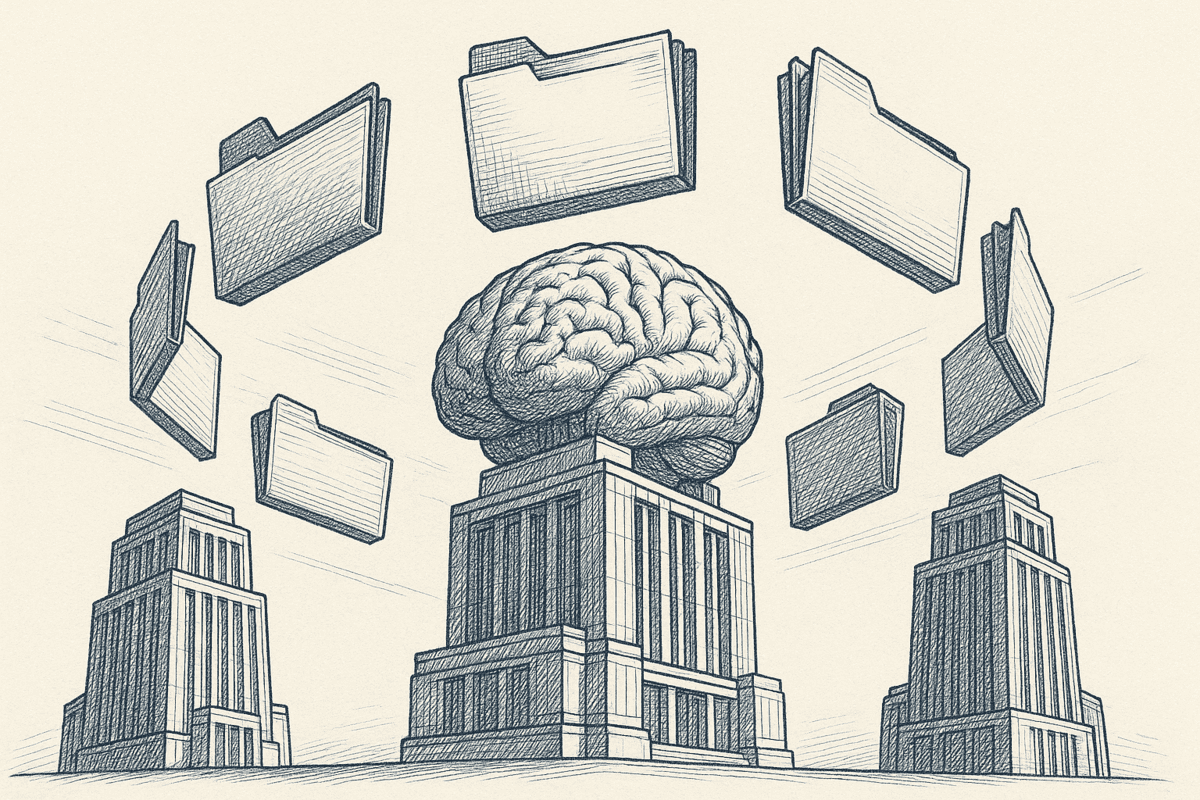
This is the newer approach. Context Link gives AI one place to talk to your whole business, with Memories built in for the knowledge worth keeping.
You connect your sources (Notion, Google Docs, websites, inboxes, project tools) once, then ask source-backed questions from inside ChatGPT, Claude, Copilot, or any MCP-aware agent. Memories sit on top of that retrieval layer: AI can save documents under any /slash route ("save this to /brand-voice"), retrieve them later, and update them as the business evolves. Updating a Memory replaces the old truth while keeping version history, so every AI reads the latest version.
Best for: teams using multiple AI tools who want shared, persistent memory without code.
Trade-offs: subscription cost, external service (not self-hosted).
Example: save /brand-voice as a Memory once and every teammate's AI fetches it before drafting. When the support team discovers a new fix, update the /support-faq Memory so the next reply drafts from the latest answer.
Comparing the Approaches
| Feature | Claude Memory | ChatGPT Memory | Context Link | Mem0 | DIY RAG |
|---|---|---|---|---|---|
| Setup Time | 5 min | 5 min | 10 min | Hours-days | Weeks |
| Cost | Included (Pro+) | Included (Plus+) | Subscription | Expensive | Depends |
| Cross-Tool | Claude only | ChatGPT only | All models | All models | Custom |
| Team Sharing | No | No | Yes | Yes (enterprise) | Yes |
| Live Updates | Manual | Manual | Automatic | Automatic | Depends |
| Code Required | No | No | No | No | Yes |
| Best For | Solo Claude users | Solo ChatGPT users | Teams, multi-tool | AI agents, scale | Developers |
Memory Layer Use Cases by Role
Memory matters differently depending on your role. Here's how teams actually use it:
Support Teams
Your help center evolves constantly. New solutions get discovered, old answers get refined. With a memory layer, you save the /support-faq memory once—then every support reply drafts itself from the latest FAQ. When the AI discovers a new solution? It updates the memory. The team always works from the most current knowledge.
Without memory, you're pasting FAQ snippets into ChatGPT every single reply.
Product & Marketing
Save /brand-voice, /product-specs, and /campaign-themes as memories. Your marketer asks Claude to "get context on brand voice and our latest product specs," then drafts a blog post. The writer asks ChatGPT to "pull our campaign themes and past articles on this topic" to outline an article. The designer asks for brand voice copy. Everyone pulls from the same memory, so outputs stay consistent.
Without memory, everyone rebuilds the same context or (worse) sends docs back and forth in Slack.
AI Agents
Multi-step agents need to remember what they learned. Agent A gathers customer data → saves /customer-findings memory. Agent B runs tomorrow → fetches /customer-findings → builds on it. Agents collaborate through persistent shared memory instead of re-discovering the same information.
Without memory, agents are stateless. Each run starts from zero.
Teams

Photo by TECNIC Bioprocess Solutions on Unsplash
Connect your company Notion, Google Drive, and website once. Each team member gets their own context link. They all pull from the same shared source. Marketing manager adds new blog posts? The index updates automatically. Product team documents new feature? Everyone's AI can reference it immediately.
Without memory, you're running duplicate connectors or relying on outdated static docs.
How to Set Up a Memory Layer for Your Team
Three paths, depending on your needs:
Option 1: Claude's Native Memory (Simplest, Single-User)
- Open a Claude chat
- Click "Manage memory"
- Write what you want remembered (e.g., "I'm building a SaaS for marketers. Our brand voice is founder-to-founder, practical, non-hypey.")
- Claude references it automatically in future chats
Time to value: 5 minutes
Best for: Individual Claude power users
Option 2: Context Link Memories (Best for Teams, All Tools)
- Sign up for Context Link
- Connect your sources (Notion workspace, Google Drive folder, website)
- Add the ChatGPT app connector or install the Claude/Codex skills
- Ask the AI to "get context on [any topic]"—it searches your sources and returns the right snippets. Or for a direct answer, ask Context Link a question outright—"ask Context Link: what's our brand voice?"—and get back one short paragraph with numbered citations (the Ask Question skill is a Pro feature and counts toward your monthly LLM allowance)
- Save your first memory: "save this to
/brand-voice" - AI can now fetch, update, and save memories on command—just ask in natural language
Time to value: 10-15 minutes
Best for: Teams using multiple AI tools, anyone who wants shared memory without code
Example workflow:
A SaaS support team connects their help center and product docs to Context Link, and saves a /support-faq memory with their most common solutions. The next day, a support rep opens ChatGPT (with the official Context Link ChatGPT app installed) and asks: "A customer on the Pro plan is asking about setting up SSO. Pull our FAQ and any relevant product docs, then draft a reply."
ChatGPT does two things at once: it fetches the /support-faq memory for existing answers, and it runs a dynamic search across the team's connected sources—pulling 2 chunks from the SSO setup guide, 1 chunk from the Pro plan features page, and a relevant snippet from the internal knowledge base. The rep gets a draft grounded in everything the team actually knows, not a generic answer. And if the customer raises a question the FAQ doesn't cover yet? The rep asks ChatGPT to update the /support-faq memory with the new solution, so the next person benefits too.
Option 3: Mem0 (For Developers + Agents)
- Create Mem0 account
- Install their SDK in your application
- Configure memory endpoints for your agents
- Initialize agents with memory layer
Time to value: Days
Best for: Custom AI agents, enterprise implementations
Bottom line: Most teams start with Option 1 or 2. Option 3 if you're building production AI systems.
Key Takeaways
- AI memory layer = infrastructure that lets AI recall and adapt across time, not just react within a single chat
- Claude's native memory works great for solo users; doesn't solve the team sharing problem
- ChatGPT's memory has the same limitation—personal, not shareable
- External solutions range from simple (Context Link) to complex (DIY RAG)
- Teams using multiple AI tools benefit most from model-agnostic memory like Context Link's approach
- Memory as workspace means AI can save, retrieve, and update context without touching your original docs
Conclusion
Your AI doesn't have to restart every session. Memory layers are becoming as essential as context windows. The question isn't "should we have memory?" It's "what kind of memory does our team actually need?"
For solo Claude users: enable native memory in your chat and you're done.
For developers building production agents: explore Mem0 or build your own RAG stack.
For teams using multiple AI tools and wanting more than just shared notes: Context Link gives AI one place to talk to your whole business across ChatGPT, Claude, Copilot, and Gemini. Connect your sources once, ask source-backed questions from inside the AI you already use, and save settled decisions as Memories so every AI reads the latest version.
As AI tools get smarter, the differentiator is the context you can give them. Teams that move from re-explaining the same context every prompt to a shared, source-backed knowledge layer will get better outputs, faster turnaround, and less repetitive work.
Ready to give AI a way to talk to your business? Try Context Link for free, connect your first source, and save your first Memory. Start your 7-day trial at context-link.ai.