
What is AI Hallucination and How Grounding Your Data Solves It
ChatGPT just told your biggest customer something completely false about your product. It sounded confident. Specific. Believable. But it was made up.
This is called AI hallucination. And it's more common than you think.
If you use ChatGPT, Claude, Copilot, or Gemini regularly, you've probably noticed it. The AI confidently invents facts, misquotes studies, or suggests features your product doesn't have. It's not because the model is broken. It's how these models are built.
In this guide, I'll explain what AI hallucinations are, why they happen, and the one proven method that actually stops them: grounding your AI in your own data. You'll also learn why this matters for your business and how to set it up today.
What is AI Hallucination?

Photo by Markus Spiske on Unsplash
An AI hallucination is when a language model generates information that sounds plausible but is completely false. The model doesn't say "I don't know." It confidently invents the answer.
The key word is "plausible." Hallucinations aren't random nonsense. They're convincing-sounding facts, citations, quotes, or explanations that the model generates based on patterns in its training data, not based on actual truth.
Real Examples of AI Hallucinations
The lawyer case became famous because the stakes were high. In 2023, an attorney used ChatGPT to research case law and submitted citations to real court cases. The problem: ChatGPT invented them. The lawyer didn't verify. The court did. He faced sanctions.
Google's Bard AI made a factual error in its launch demo, claiming the James Webb Space Telescope took the first-ever image of an exoplanet. It didn't. The Hubble Space Telescope took the first exoplanet image back in 2004. That error reportedly cost Google $100 billion in stock value.
In 2024, ChatGPT confidently cited academic papers that don't exist. Another AI suggested a non-toxic glue for pizza. Support bots invent troubleshooting steps. Sales AI makes up pricing tiers. Content teams get ChatGPT suggestions for blog posts they never wrote.
The pattern is clear: AI models don't distinguish between what they know and what they're guessing.
Why AI Hallucinations Happen
Understanding the root cause is important. AI hallucination isn't a bug that engineers forgot to fix. It's fundamental to how large language models work.
Reason 1: Models Predict, They Don't Know
Large language models are prediction machines. When you ask a question, the model asks itself: "What word comes next?" Then: "What word comes after that?" It's repeating this process hundreds of times to generate a response.
It's extraordinarily good at predicting based on patterns. But prediction and knowledge are different things. An AI model can predict what a convincing answer looks like without knowing if it's true.
Think of it this way: If you've read a thousand sentences about Einstein, you could probably write a convincing fake quote that sounds like something Einstein might have said. You'd be predicting what sounds right, not retrieving a fact.
Reason 2: Models Prefer to Respond
Language models are trained to be helpful. They have a strong bias toward answering your question rather than saying "I don't know." When asked for five reasons and only two exist, the model generates three more to fulfill the request.
This is learned behavior. Models are trained on examples where helpful, complete answers are rewarded. Saying "I don't have enough information" is treated as a worse response than confidently providing something.
Reason 3: Training Data Has Gaps
Most AI models are trained on internet text collected a year or more before release. That data has errors, outdated information, and biases. When a model encounters a topic with conflicting or missing training data, it fills the gap with a plausible-sounding fabrication.
Reason 4: No Access to Your Data
This is the biggest reason AI hallucinate about your company specifically. ChatGPT knows what was on the internet about you as of its training cutoff. It has zero access to your actual product docs, pricing, internal processes, or recent updates.
When you ask ChatGPT about your company's features, it's not retrieving information. It's guessing based on old web scraps and patterns. And when your company is small or new, those patterns are sparse or nonexistent.
How to Prevent AI Hallucinations
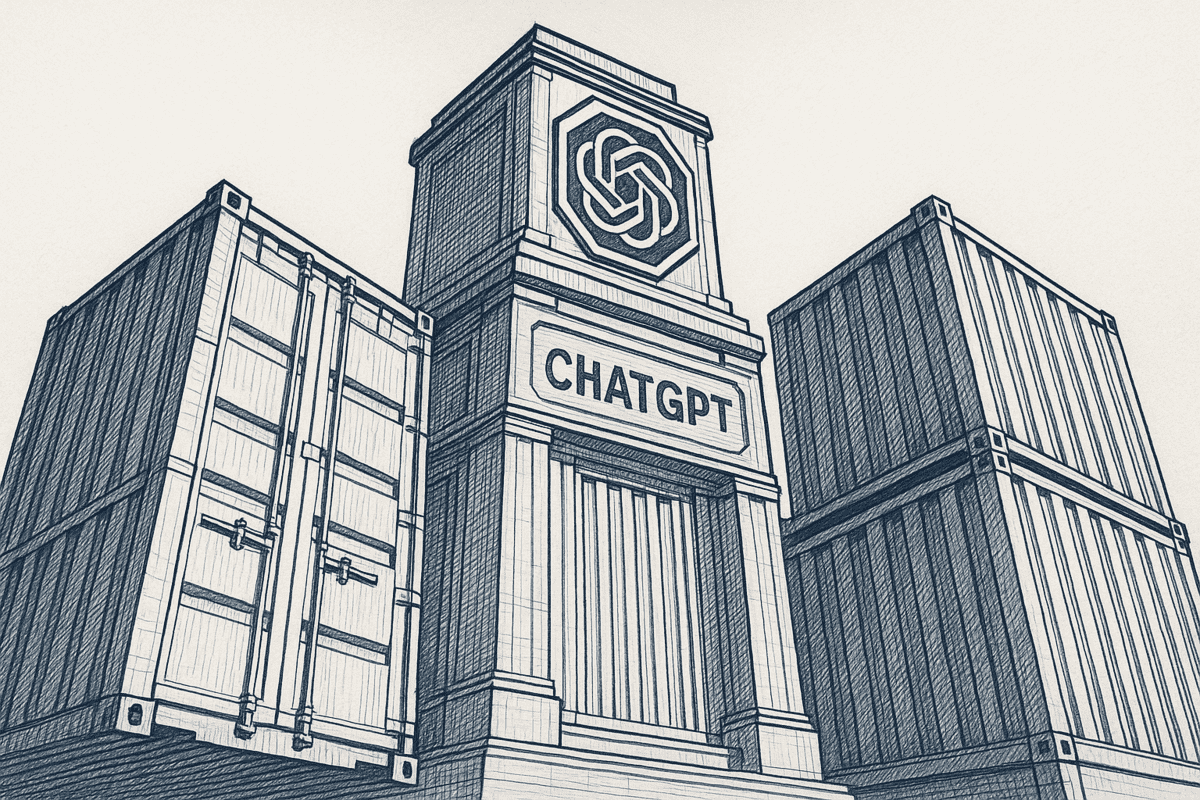
You can't eliminate hallucinations entirely. But you can dramatically reduce them.
Method 1: Better Prompts and Temperature Settings
You can try being more specific with your prompts. Instead of "Tell me about our product," try "Tell me only about features mentioned in our help center." You can also lower the "temperature" setting, which controls how creative a model is. Lower temperature = more focused, less creative = fewer hallucinations.
The catch: Prompt engineering helps a little. But it doesn't fix the core problem. Even perfect prompts can't give AI information it doesn't have. This is why context engineering is replacing prompt engineering as the primary approach for production AI.
Method 2: Human Review and Fact-Checking
Someone always verifies critical outputs before sharing with customers. This is essential for high-stakes information (legal cases, medical advice, financial guidance).
The catch: This is slow and doesn't scale. If you use AI a hundred times a day, you can't manually verify each output.
Method 3: System Guardrails and Monitoring
You can build monitoring systems to flag suspicious outputs, implement safety guardrails, or reject responses that don't meet confidence thresholds.
The catch: Still requires human involvement and doesn't prevent hallucinations, it just catches some of them.
Method 4: Grounding AI in Your Data (The Real Solution)
Here's the method that actually works: Give AI access to your verified information and have it reference ONLY that information.
This is called "grounding." Instead of guessing, the AI retrieves relevant information from your AI knowledge base, websites, and notes, then answers based on what it found.
The difference is dramatic. When ChatGPT answers a question about your company using information from your actual help center (instead of guessing based on old web scraps), the accuracy jumps from 60-70% to 95%+.
How Grounding Works: Semantic Search
Grounding relies on semantic search. Here's how it works in plain English:
When you ask a question, instead of the AI generating an answer from memory, it triggers a search. That search looks through your connected documents for information that matches the meaning of your question.
Unlike keyword search (which looks for exact word matches), semantic search understands what you're asking about. You ask "What's included in the premium plan?" and semantic search finds relevant pricing pages, feature docs, and help articles, even if they don't use those exact words.
The AI then reads the snippets it found and answers based on them. It can't hallucinate about features because it's reading your actual spec doc. It can't invent pricing because it's looking at your real pricing page.
Retrieval-Augmented Generation (RAG)
This process has a name: Retrieval-Augmented Generation, or RAG.
RAG is a formal term in AI research that means: "Retrieve relevant documents, then generate an answer based on them." Research from Stanford shows that RAG with proper implementation reduces hallucinations by 96% compared to models without grounding.
There are three paths to RAG:
- Build Your Own: Write embeddings code, run a vector database, manage indexing. Takes weeks of engineering.
- Native Plugins: Use ChatGPT's knowledge upload or Claude's file attachment. Works but is limited to one model and loses context between sessions.
- Grounding Service: Connect your sources once (Notion, Google Docs, websites) and get semantic search on demand. Takes 5 minutes, works with any AI model.
Practical Grounding for Teams
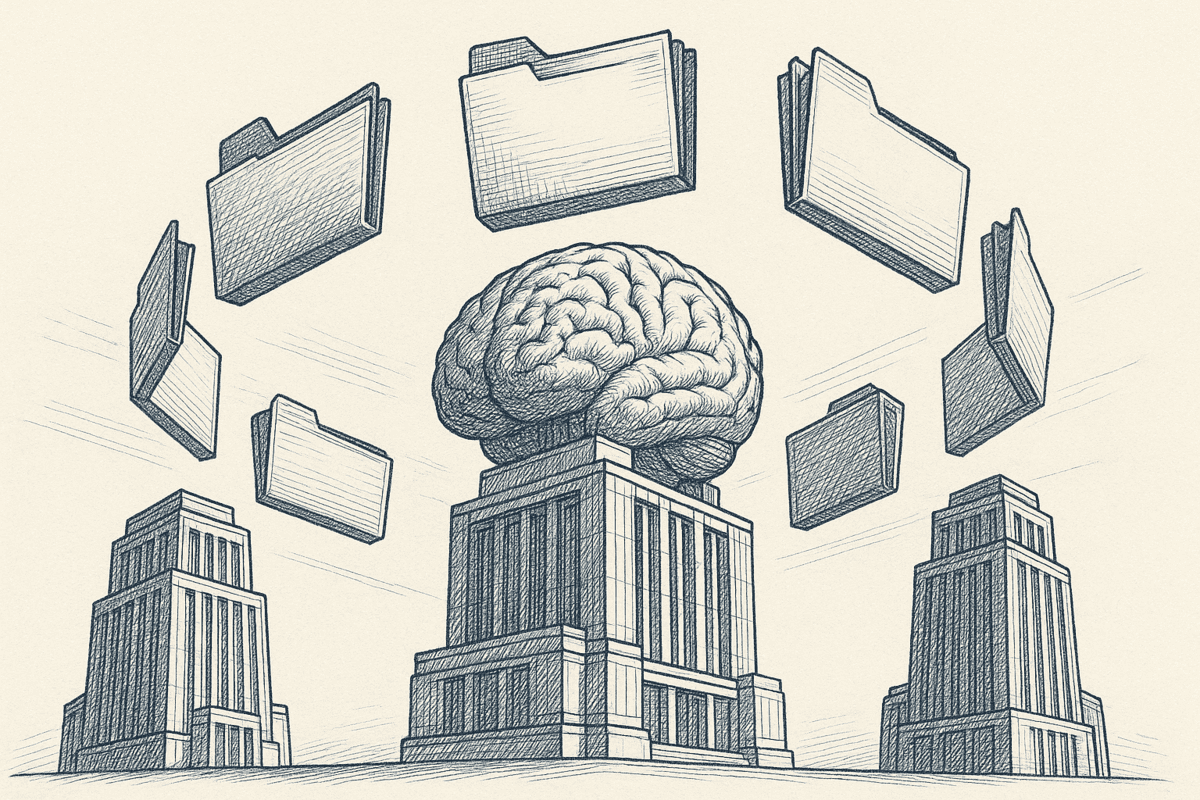
Here's what grounding looks like in practice.
You connect your website to a semantic search service. You get a personal context link. You paste that link into ChatGPT before asking your question.
ChatGPT visits your context link, which runs semantic search across your website and returns the top relevant snippets in markdown. ChatGPT reads those snippets and answers based on them.
If your website says your product is $99/month, ChatGPT will tell customers $99/month, because it's reading your site, not guessing.
If your help center says the premium plan includes email support, ChatGPT will only mention features you actually offer.
The result: No hallucinations about your company because AI is grounded in YOUR truth, not the internet's opinions.
This workflow works with ChatGPT, Claude, Copilot, Gemini, and any AI chat tool. No code required. No infrastructure to maintain.
Grounding stops the model from making things up. The next step is keeping your truth current. Most fabricated answers start with an outdated picture of the business: stale pricing, drifted positioning, an old decision nobody wrote down. Tools like Context Link keep connected sources in sync (every 24 hours) and let you save settled decisions as Memories, canonical documents that replace the old version while keeping history. When every AI tool reads the same latest truth, it isn't filling in gaps with plausible-sounding fiction.
Grounding vs Other Solutions
Here's how grounding compares to other approaches:
| Solution | Effectiveness | Ease | Cost | Scalability |
|---|---|---|---|---|
| Prompt Engineering | Medium | Easy | Free | Limited |
| Human Review | High | Hard | High | Poor |
| Native Plugins | Medium-High | Easy | Medium | Limited (locked to one model) |
| Grounding Service | High | Easy | Low | Excellent |
Key insight: Only grounding actually solves the hallucination problem. Everything else is a workaround.
Why This Matters for Your Business
AI hallucinations have real costs.
A support team spends hours responding to angry customers asking "Why did ChatGPT tell me you offer X when you don't?" A sales rep loses a deal because an AI-drafted email contained false claims. A content team wastes time fact-checking every AI suggestion instead of creating new content.
More critically: Hallucinations damage trust. If a customer asks your AI a question and gets a confident lie, they stop trusting your AI. They stop using it. The tool becomes liability instead of asset.
Grounding solves this. When your AI references your actual docs, it becomes trustworthy. Customers believe it. Your team can rely on it. The tool delivers value instead of creating problems.
Use cases include:
- Support teams: Draft replies that pull from your help center. Zero made-up troubleshooting steps.
- Content teams: Brief ChatGPT with your brand guidelines and past articles. AI output stays on-brand.
- Product teams: Answer questions about specs, roadmap, and pricing using actual documents.
- Sales teams: Generate proposals and emails grounded in real product info.
Getting Started With Grounding
You don't need to build infrastructure. You don't need a data science team.
Start simple: Connect one source (your website, a Notion workspace, or a Google Drive folder). Create a semantic search to retrieve relevant content. Test it by asking ChatGPT a question with your context link.
You'll immediately see the difference. Questions that ChatGPT used to hallucinate about now get accurate, sourced answers.
That's grounding. And it's the most reliable way to stop AI from making things up about your business.
Conclusion
AI hallucinations are real, but they're preventable.
The models aren't broken. They're not "thinking" or "knowing." They're predicting and guessing. When you ask them about your company, they're guessing based on fragments of old internet data.
The solution is grounding: connecting AI to your verified information so it references fact instead of inventing it.
Here's what to do next: Connect your first source and test grounding in under 10 minutes. Ask ChatGPT a question about your business with your context link. See how different the answer is when AI has access to your actual truth.
Stop letting AI guess about your company. Ground ChatGPT, Claude, and Copilot in your actual docs today.
Ready to try? Connect your first source and get a free context link.